
Visa & Travel
Medical Record Files That Will Not Open: Confirming Delivery to a Hospital in China
Medical record files will not open at a China hospital? Check the official route, preserve originals and confirm access without sharing passwords or codes.
MedToChina Editorial Team · 10 min read · November 16, 2026
Quick Summary
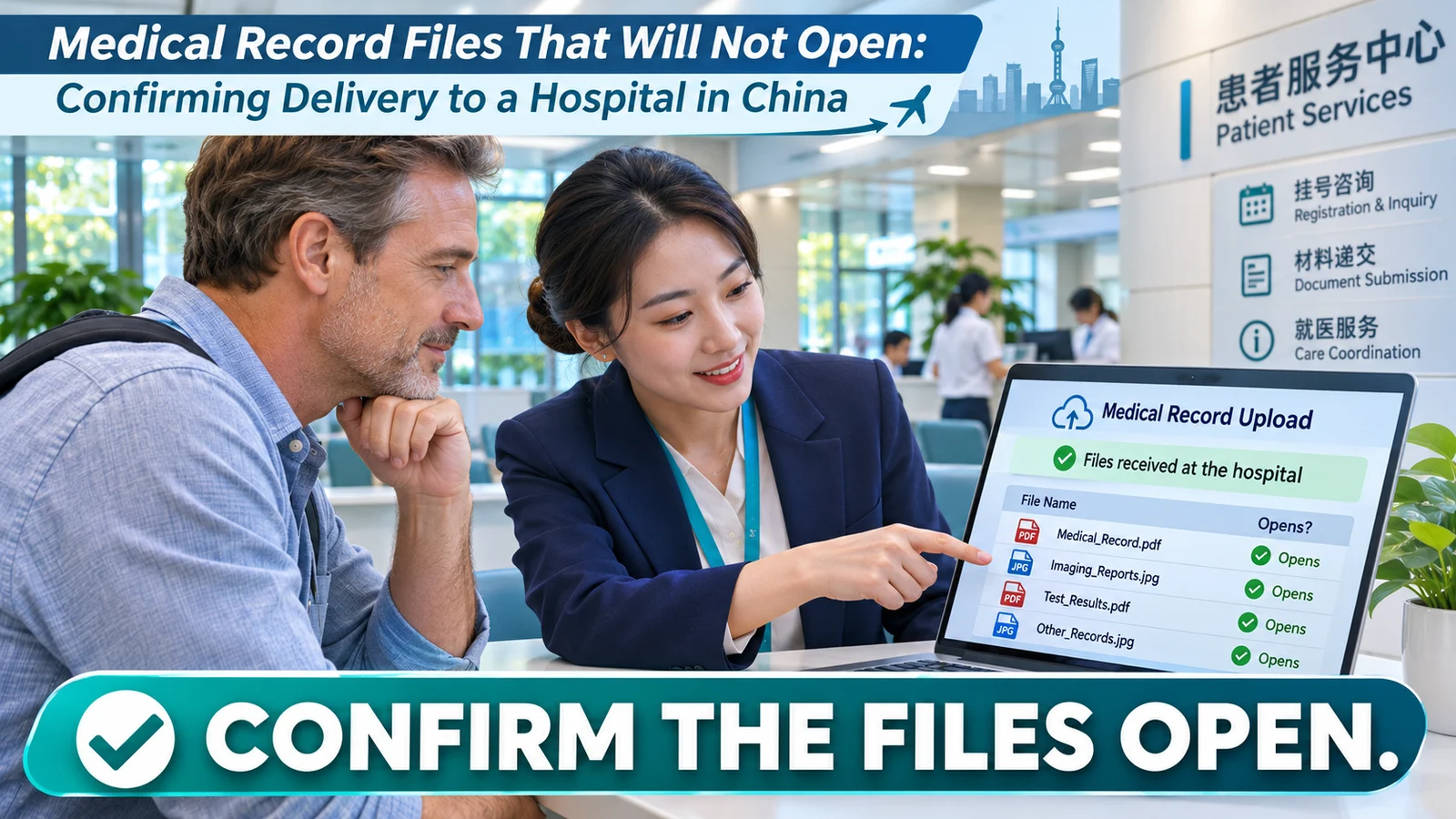
If a China hospital, clinic, or administrative contact says that your medical-record link will not open, do not assume the records have been reviewed or rejected. A broken link, expired upload, unavailable file permission, incorrect recipient address, blocked attachment, or incomplete upload is a delivery problem first. Treat it as a narrow technical and administrative task: identify what failed, confirm the official route, and resend only what is requested.
Do not send passwords, one-time verification codes, a cloud-account login, or an unrestricted public link through ordinary messages. Do not change medical images, remove pages, combine files, or convert DICOM imaging into a different format unless the receiving hospital specifically asks for a particular method. A successful upload, delivery receipt, or reply from an administrative contact does not mean a clinician has reviewed the records or made a medical decision.
This guide is for overseas patients preparing to travel to China for medical care. It explains file delivery and confirmation, not diagnosis, medical suitability, or appointment approval.
Start by identifying the exact failure
“The files do not open” can mean several different things. Ask the recipient to describe the issue in one short sentence. It may be one of these:
- Link expired: The temporary sharing window ended. A safe next step: Ask for the official route to create a new link or upload.
- Access denied: The recipient lacks permission or is using the wrong account. A safe next step: Confirm the recipient address or portal account, without changing broad sharing settings.
- File missing: One or more files were not included or upload did not finish. A safe next step: Compare the file count against your own sending list.
- File will not open: The file may be incomplete, corrupted, or unsupported. A safe next step: Ask which file name and format caused the issue.
- Attachment blocked: The email system rejected file size or type. A safe next step: Ask for the hospital's approved upload route or size limit.
- Wrong message or recipient: The records went to the wrong address or thread. A safe next step: Stop and verify the official contact route before resending.
Avoid a vague reply such as “I sent everything again.” It can create multiple versions, duplicate files, and uncertainty about which set is current. Get the smallest useful piece of information: the file name, the error type, the number of files affected, and the official destination that should receive the replacement.
Verify the official receiving route before you resend
Use an official hospital channel that you have independently verified, such as a hospital portal, a contact route listed on the hospital's own website, or an address the hospital confirms through an existing verified conversation. If you receive a new request from an unfamiliar account, do not move your complete record package automatically. For account or overseas phone-number issues, see the China hospital portal access guide.
Check these points before uploading or sharing again:
- The exact hospital or campus and department, if stated.
- The full recipient address, portal name, or approved upload page.
- Whether the recipient needs a new link, a direct upload, or an attachment within a stated size limit.
- Whether the recipient needs access to all files or only a named missing file.
- The record reference, patient initials, or case identifier the hospital has told you to use, if any.
- How the hospital wants you to confirm that the replacement was received.
The U.S. Department of Health and Human Services notes that electronic health information needs appropriate safeguards and that checking an email address for accuracy can help reduce unintended disclosure. 1 HIPAA does not govern every overseas hospital or patient situation, but the practical lesson applies broadly: verify the destination before you send sensitive records.
Keep a simple sending list
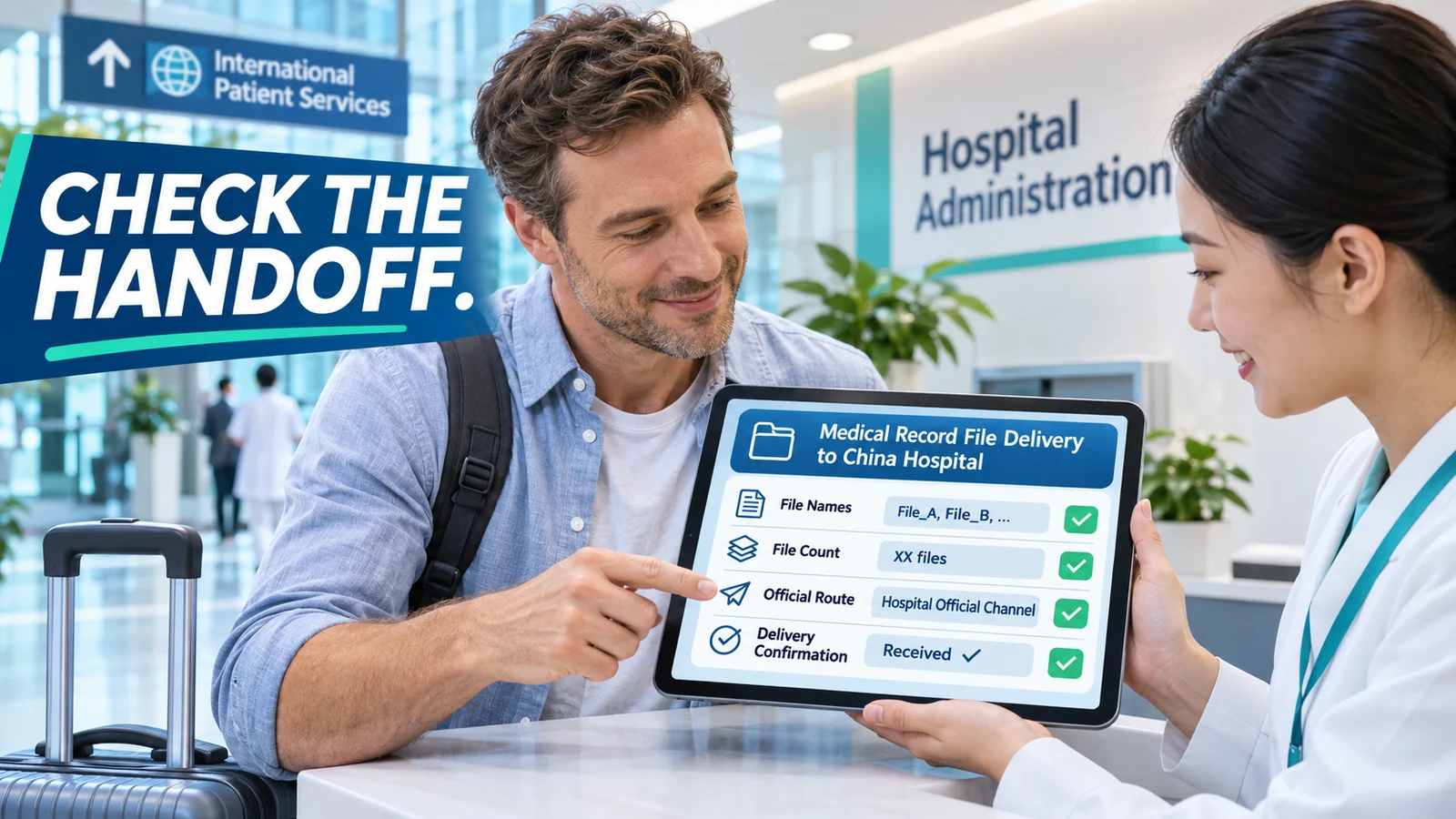
Create a private checklist before making a replacement upload. It helps you explain the problem without exposing clinical details in the message itself.
- Date and time sent: Include your own local time and the hospital's local time if useful.
- Official route used: Portal, official email address, or other verified route.
- File names: Exact names, including extensions such as PDF, JPG, ZIP, or DICOM folder where applicable.
- File count: Number of files or folders sent.
- File size: Useful if there is an attachment or upload limit.
- Known error: Exact message, screenshot, or short description from the recipient.
- Replacement action: New upload, renewed link, or requested missing file only.
- Confirmation status: Delivered, received by administration, or no confirmation yet.
Do not place passwords, access codes, full links, passport numbers, payment details, or a diagnosis in this checklist if it could be shared accidentally. Keep it in your own secure record. A file list is an administrative aid, not a clinical summary. Use the China-ready medical records checklist for the separate task of preparing a complete source packet.
A safe sequence for expired or inaccessible links
When a link has expired or access is denied, follow a controlled sequence rather than opening the folder to anyone with the link.
1. Preserve the original files
Keep the original copies and folder structure. Do not overwrite the old files just because you are preparing a new upload. If the hospital later identifies one specific problem, you may need to compare the original and replacement sets.
2. Ask which file or link failed
Request the file name, folder name, or link reference. A report that “the records do not open” may apply to one attachment rather than the entire package. Ask whether the hospital needs the whole package again or only a named item.
3. Use the route the hospital confirms
If a portal link expired, ask whether the hospital will issue a new portal invitation or whether it wants an upload through another official route. Do not send a temporary cloud link to a private contact unless the hospital has confirmed that this is its approved process.
4. Set access as narrowly as the route allows
Use the minimum access and duration required by the hospital's instructions. Avoid public links and avoid giving editing permission when viewing or downloading is all that is requested. Do not share the password for an encrypted archive and its download link in the same unprotected message unless the hospital has given you a secure method for doing so.
5. Send a concise confirmation request
After the replacement, ask for an administrative confirmation that the identified file or link can be opened. Do not ask the recipient to interpret the findings in the same message. Keep delivery confirmation separate from clinical review.
The CDC advises medical travelers to carry copies of relevant records and to obtain copies of records from the destination facility before returning home. 2 Maintaining an orderly source copy can make a technical resend safer, but it does not confirm that a hospital has received, read, or accepted the clinical content.
Do not change formats without instruction
Medical records can include letters, laboratory reports, images, scans, pathology documents, videos, and imaging data. Different hospitals and departments may use different record systems. A file that opens on your computer may not open in another environment, but that does not mean you should reformat it on your own.
Before converting, compressing, renaming, splitting, merging, or screenshotting a medical file, ask the recipient what it needs. In particular:
- Keep the original imaging media or DICOM folder unless instructed otherwise.
- Do not reduce image quality or substitute screenshots for original image data on your own.
- Do not remove pages from a report to make an attachment smaller without checking whether the omitted pages matter.
- Do not change dates, labels, report language, or clinician names.
- If a file is too large, ask for the approved alternative route rather than repeatedly attempting the same blocked attachment.
The aim is a reliable handoff, not a polished-looking package. The receiving team may ask for a particular upload method, file type, or a smaller set of records. Follow that request exactly and retain the source files.
Separate delivery confirmation from clinical review
These statements mean different things:
- Sent: you completed an upload or sent a message.
- Delivered: the portal or email system indicates transmission.
- Received by administration: an authorized contact confirms the file or link is accessible.
- Reviewed clinically: a clinician has assessed records through the hospital's process.
- Accepted for a next step: the hospital has separately confirmed an administrative or clinical next step.
Do not use one status as proof of the next. A green upload message does not mean the recipient can open every file. An administrative reply that a link works does not mean a clinician has reviewed it. A request for more records does not by itself confirm acceptance, diagnosis, treatment suitability, or travel timing.

A short message you can use
Use the hospital's requested language and channel. Keep the message factual and avoid placing sensitive details in the subject line.
Hello. I am following up on the medical records sent on [date].
I understand that [file name or link reference] could not be opened.
Could you please confirm the approved route for a replacement?
I can provide the requested file(s) through the official portal or address.
After I resend, please confirm only whether the specified file(s) can be accessed.
Thank you.
If you receive a response that asks for a password, code, account login, or a completely new destination, verify it through an official hospital route first. Do not send your cloud-account password or a one-time verification code to anyone.
How MedToChina can help with practical coordination
You can submit your information or send your non-clinical questions and available records through WhatsApp. Tell us what error you received, which file type is affected, the official contact route you have, and whether you need help organizing a clear question for the hospital.
MedToChina can help organize practical record-preparation questions and China travel communication. We do not access private cloud accounts, ask for passwords or verification codes, alter clinical files, confirm medical review, or make clinical decisions.
FAQ
Should I create a public cloud link so the hospital can open my files?
No. Ask for the hospital's approved upload or file-sharing route. Use only the access scope and duration it directs, and avoid public links for sensitive records.
The hospital says it cannot open one scan. Should I resend every file?
Ask which file or folder failed and whether the whole package is needed. Resend only what the official recipient requests when possible, while keeping your original set unchanged.
Can I send the password in the same email as the encrypted file?
Ask the hospital for its approved secure method. Sending a password and the protected file together may defeat the purpose of protection.
Does a delivery receipt mean a doctor has reviewed my records?
No. Delivery, administrative access, clinical review, and acceptance for any next step are separate statuses.
What if I have an urgent symptom while waiting for file access?
Seek prompt local medical help. Do not wait for a file upload, messaging reply, or travel coordination process in an urgent situation.
Discuss Your China Medical-Travel Preparation
Need help organizing a clear, non-clinical question after a medical-record link or file fails? Submit your information or send your available records and questions through WhatsApp. Our team can discuss practical preparation and communication steps for seeking care in China.
Medical Disclaimer
This article provides general administrative and travel-preparation information for international patients considering medical care in China. It is not medical, cybersecurity, legal, privacy, insurance, or clinical advice. Record-delivery policies and technical requirements vary by hospital and department. For urgent symptoms or immediate danger, seek prompt local medical help.
References
- U.S. Department of Health and Human Services. Does the HIPAA Privacy Rule permit health care providers to use email to discuss health issues and treatment with patients?
- CDC Travelers' Health. Medical Tourism: Travel to Another Country for Medical Care.
- CDC Yellow Book. Medical Tourism.